
Last updated: 23 July 2026
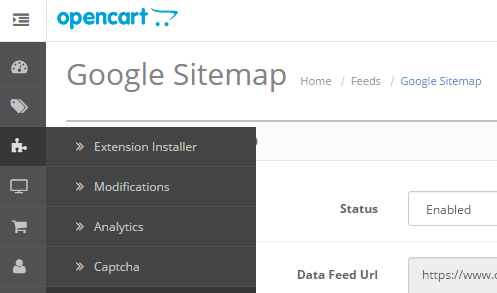
- Log on to your Opencart admin area and go to Feeds...
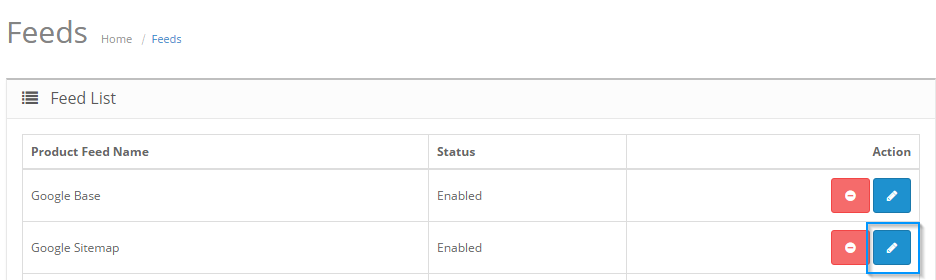
- Now click the edit icon on “Google Sitemap”…
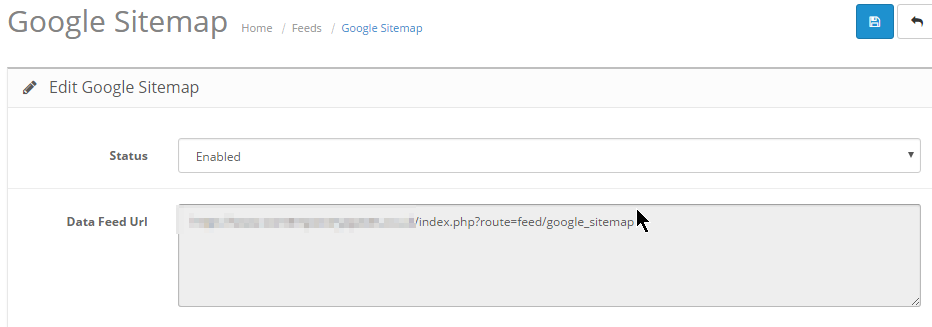
- You can copy the URL from here…
- Now you need to log on to your Google web-master account, and go to Sitemaps
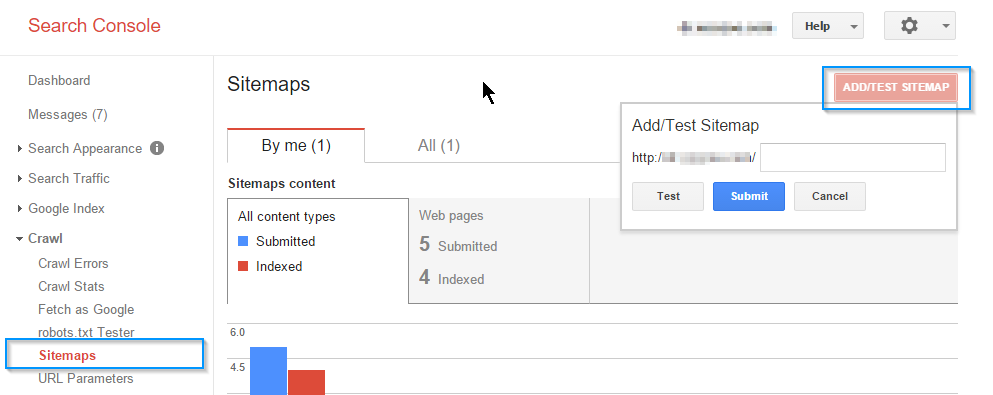
- Now you can add the path from your opencart to your Google Sitemap